

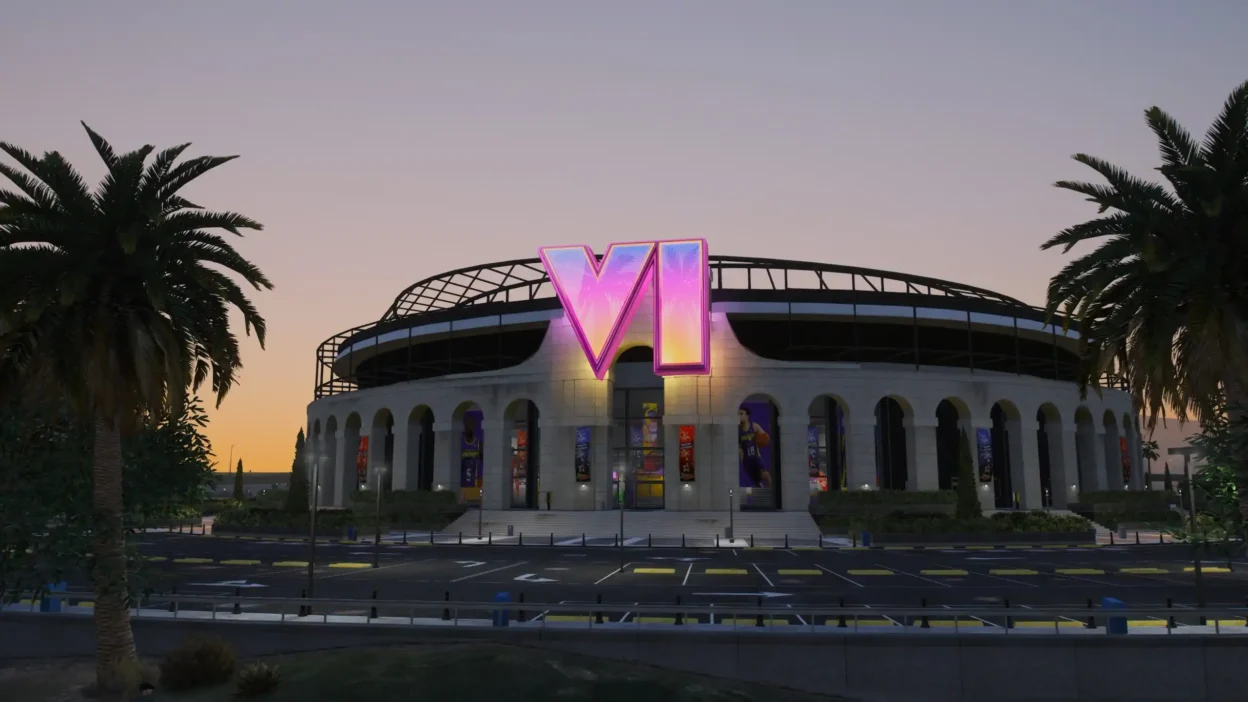
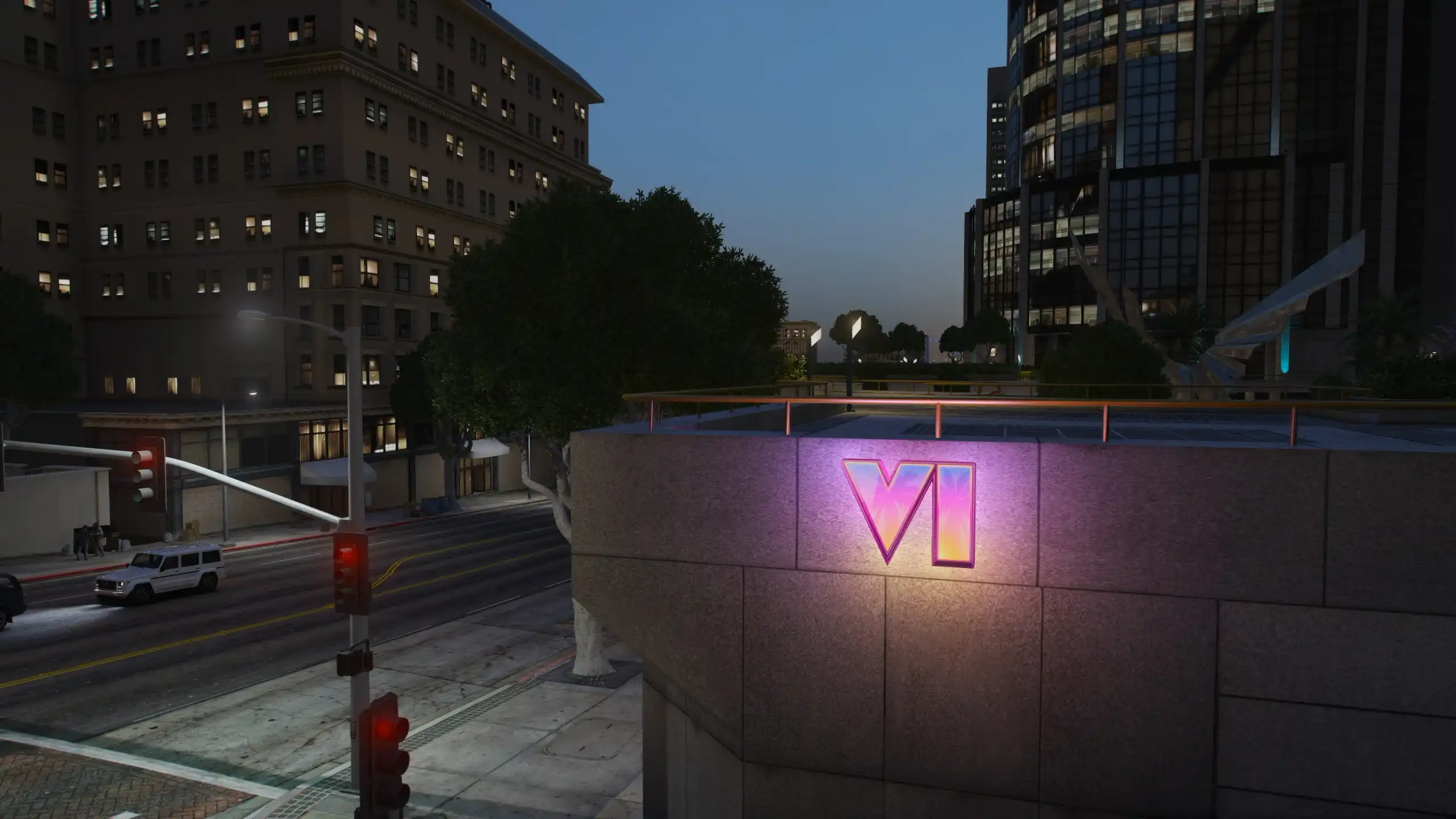
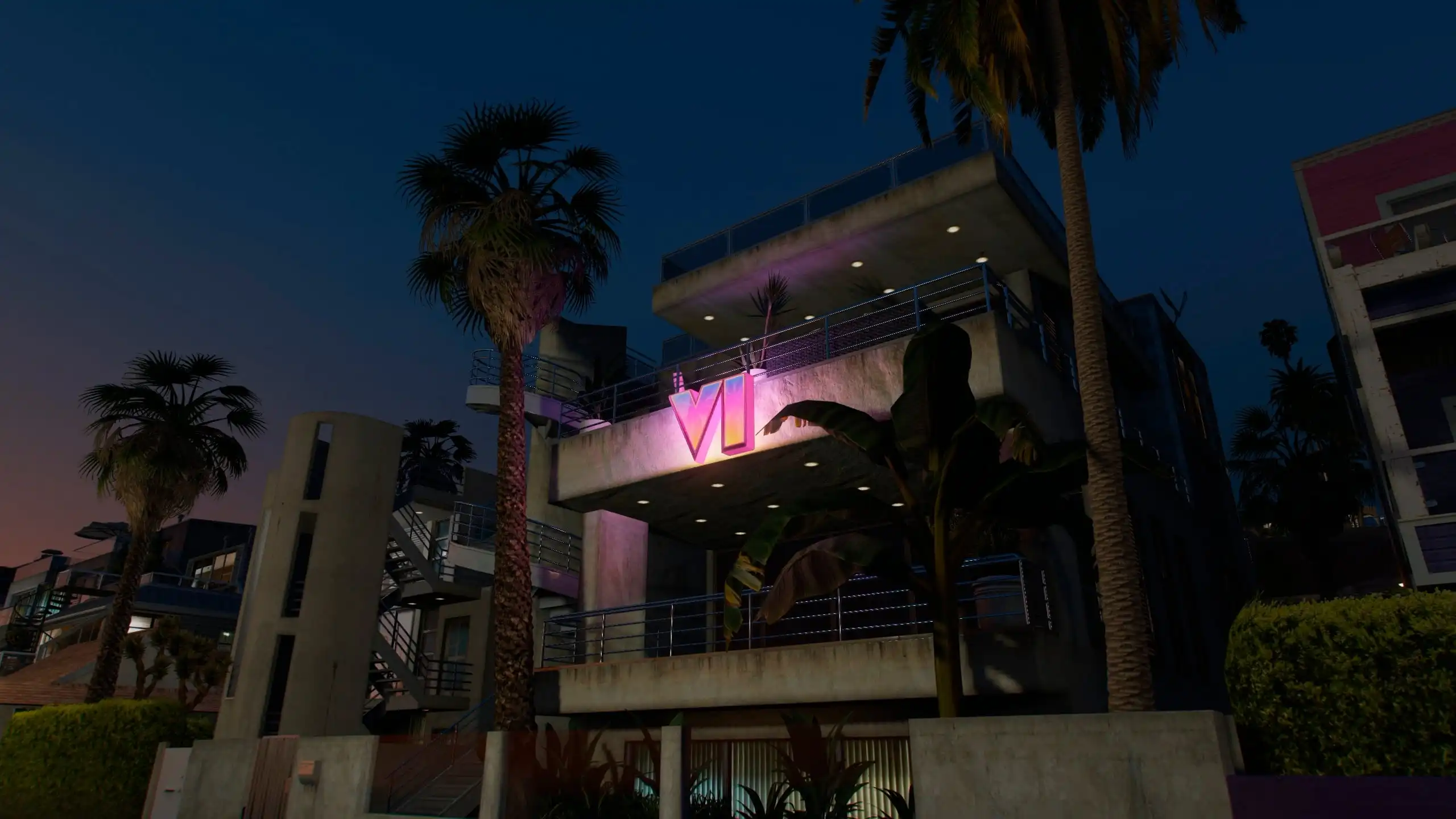
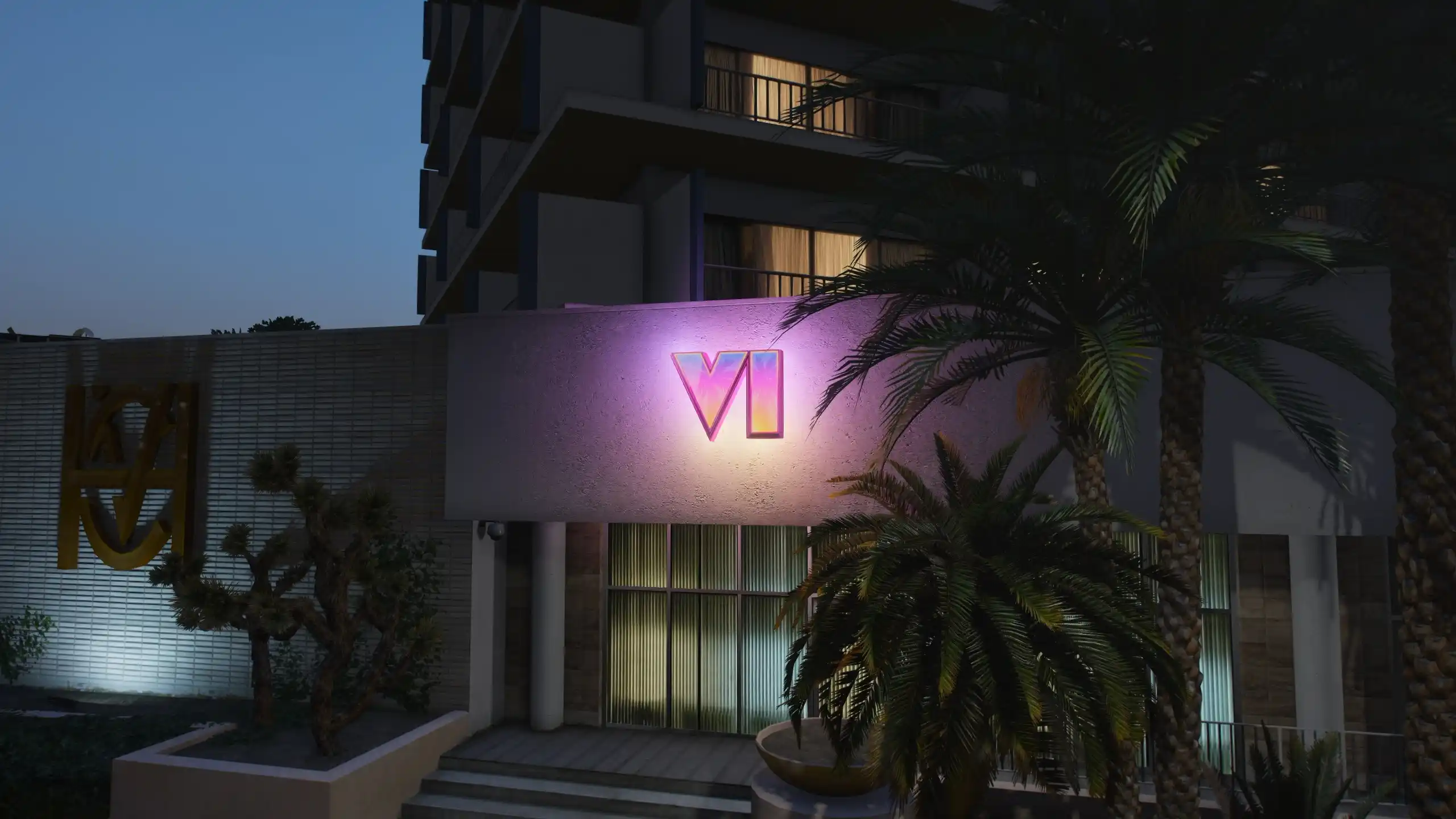
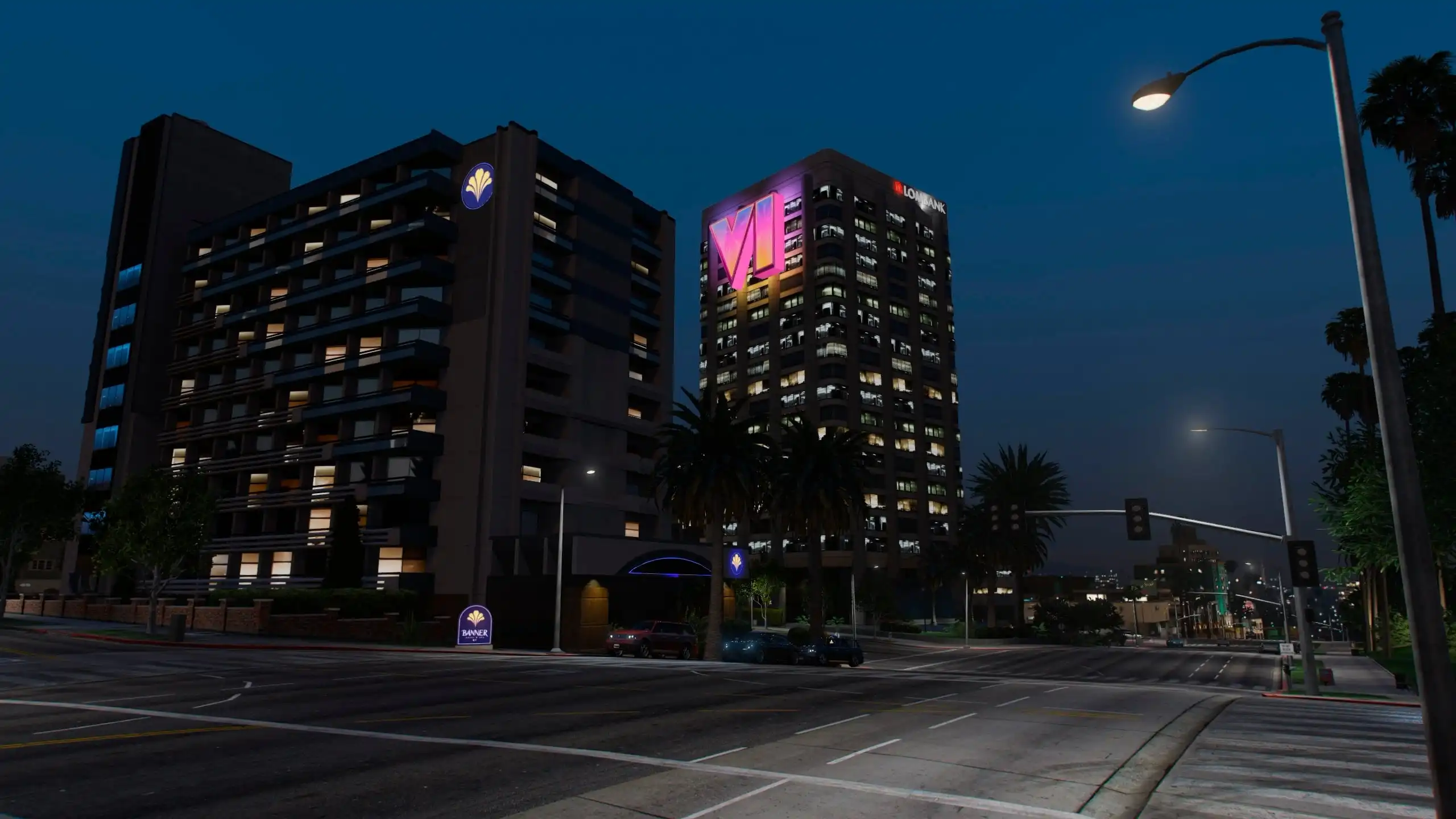
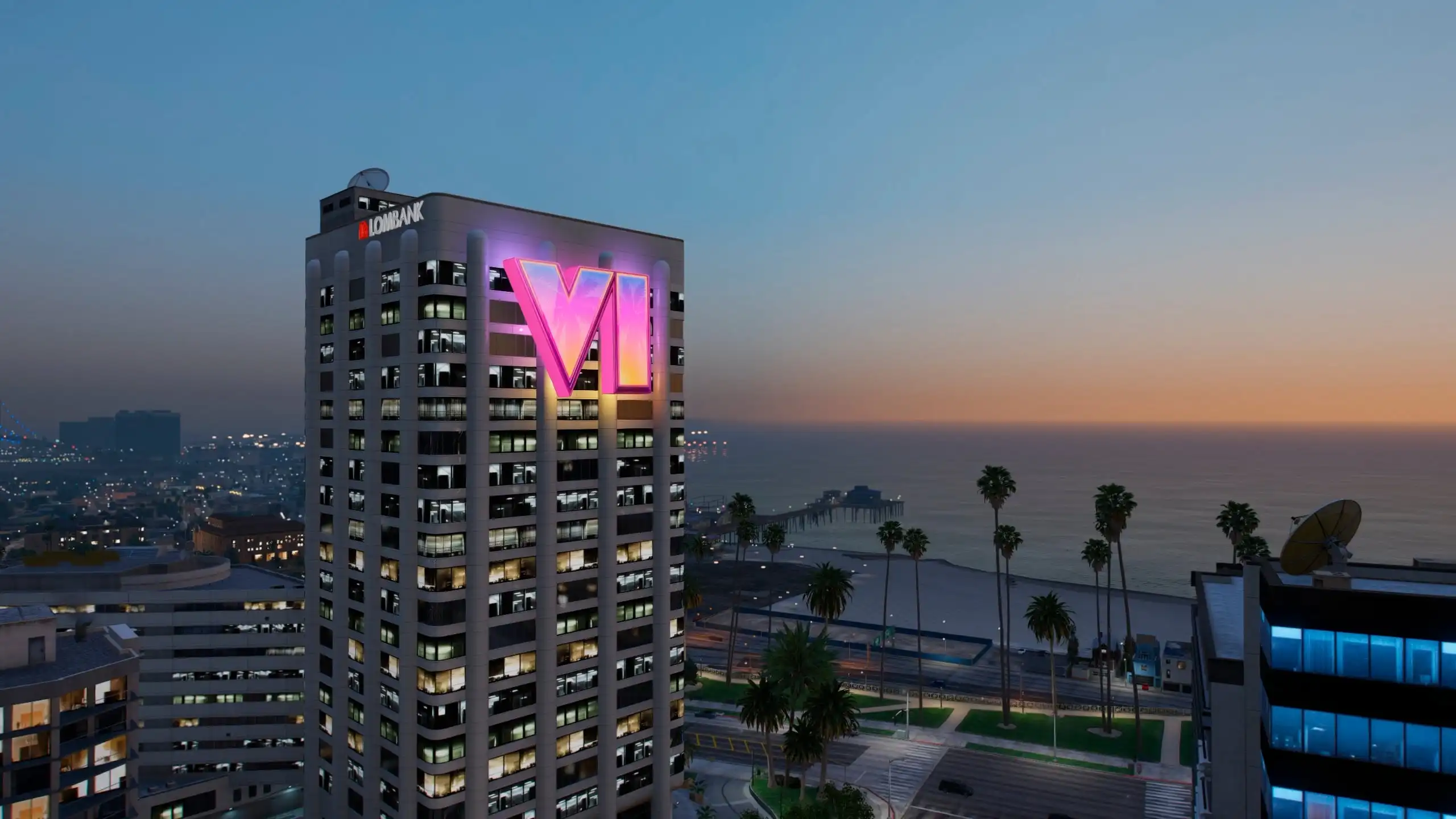
If you wanna bring some GTA VI vibes to Los Santos, this mod by STK10 got you covered. It adds custom 3D GTA VI logos across the map, with glowing lights, crisp 4K textures, and an animated logo light in Franklin’s bedroom.
Looks dope both day and night, and it installs as an add-on without replacing original game assets.
Features
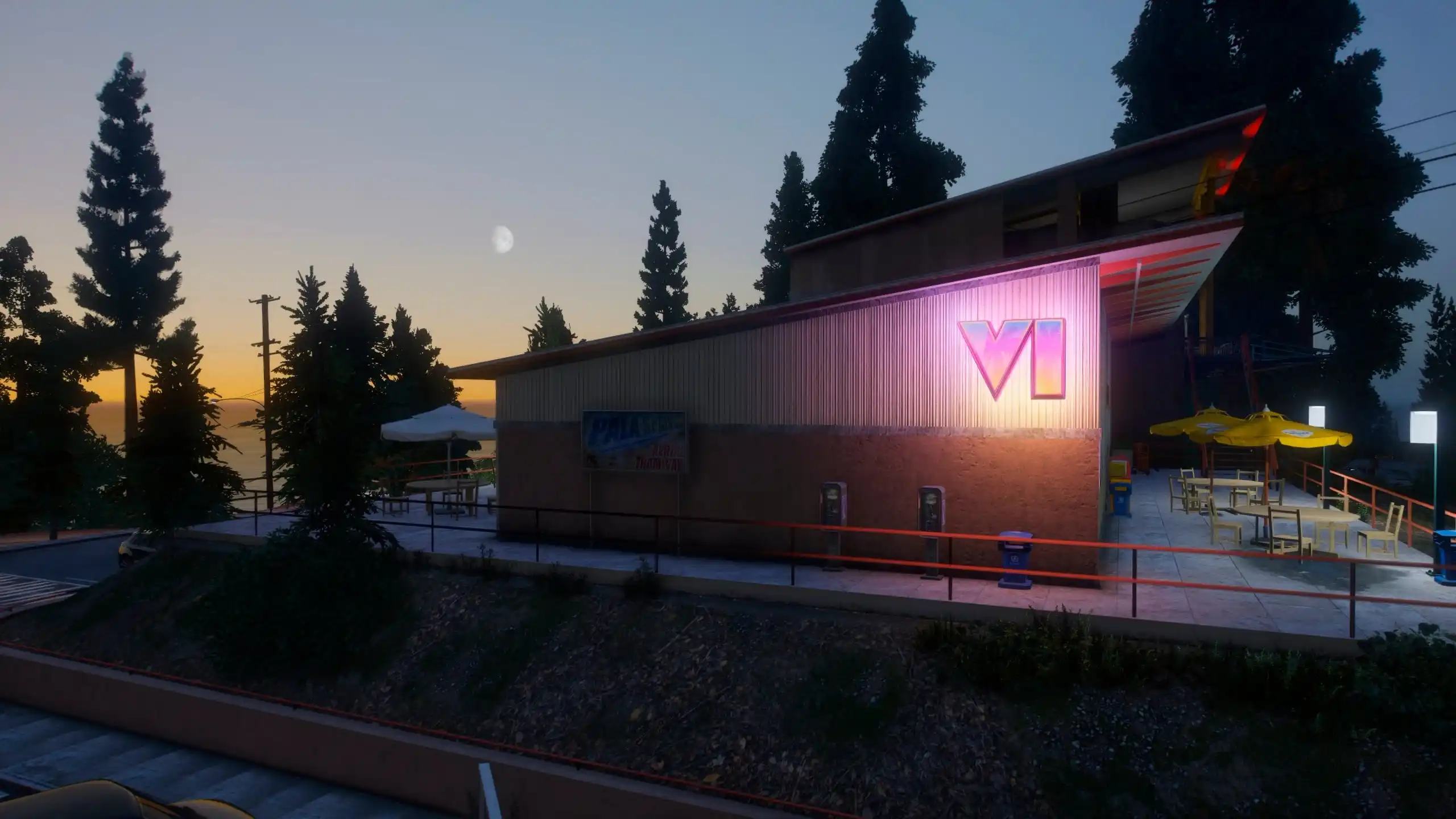
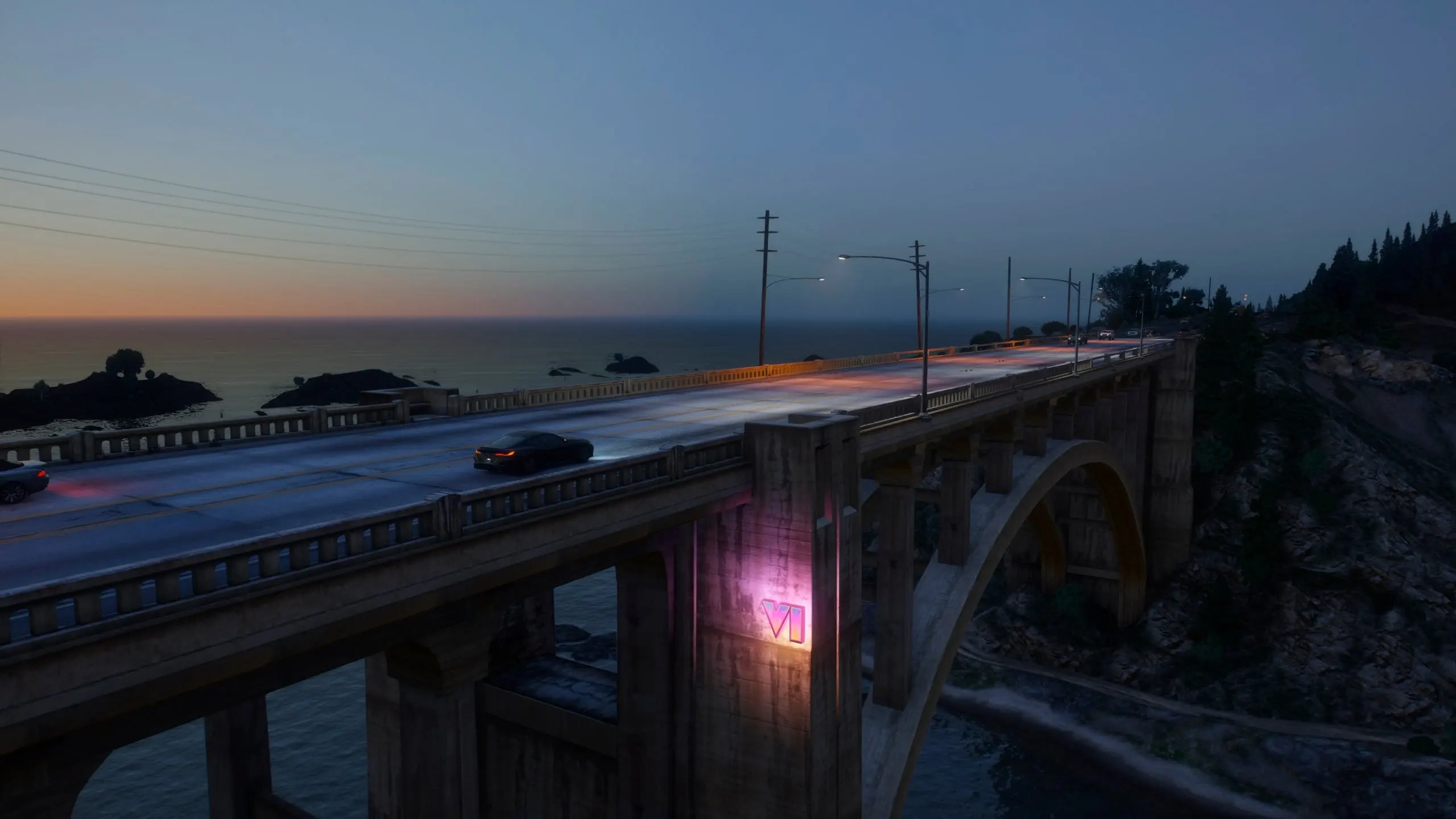
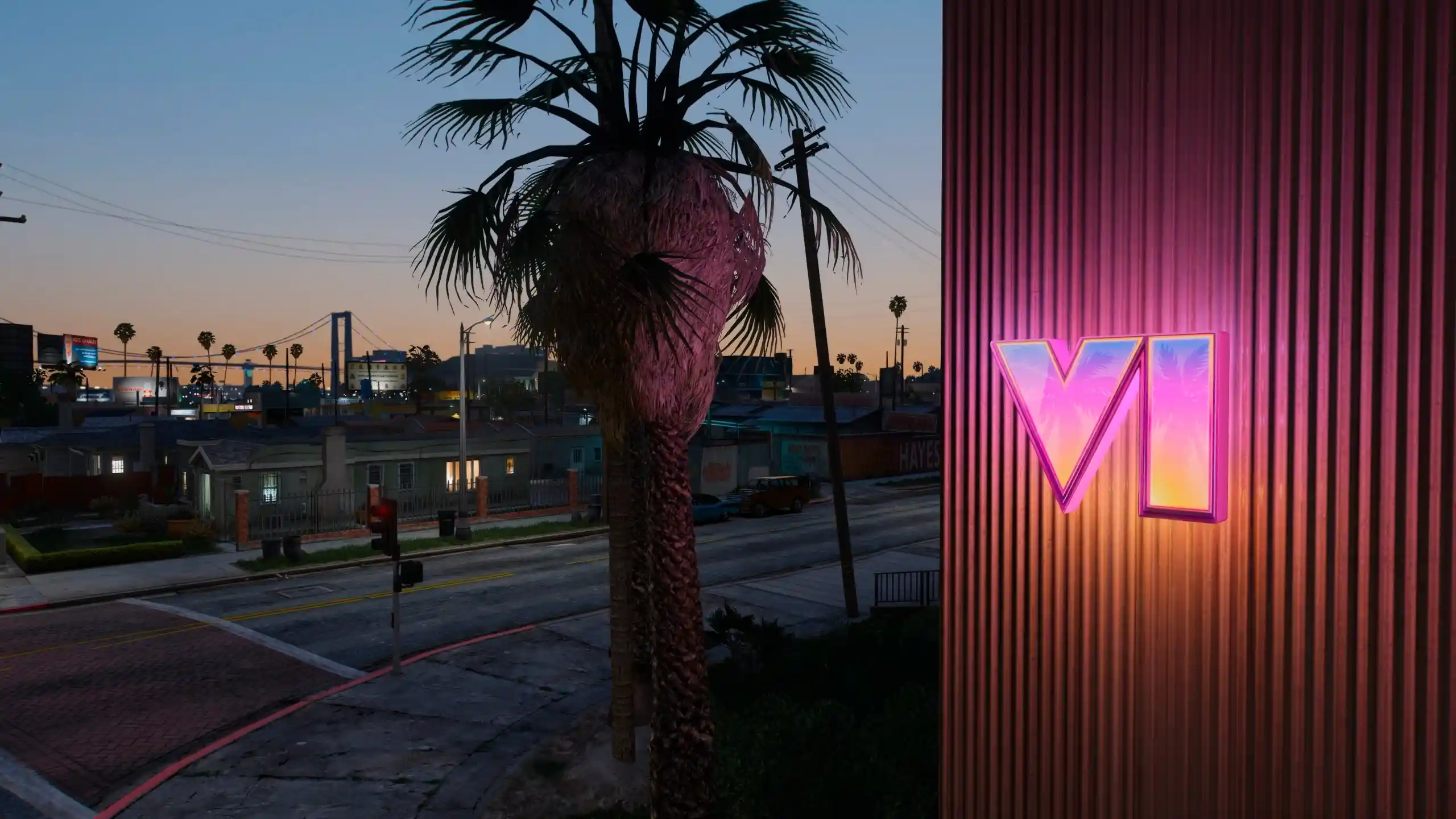
Custom 3D GTA VI logos placed around Los Santos, including skyscrapers, the stadium, bridges, buildings, and Franklin’s bedroom.
Emissive lighting that makes the logos glow at night.
Animated GTA VI logo light in Franklin’s bedroom.
High-quality 4K textures, normal maps, and specular maps.
Detailed 3D models designed to fit into the game world.
Add-on installation that keeps original game assets untouched.
Requirements & Installation
Requirements:
GTA V
OpenIV
Access to the GTA V
modsfolder
Installation:
Open this file in OpenIV:
Grand Theft Auto Vmodsupdateupdate.rpfcommondatadlclist.xmlAdd this line before the closing tag:
dlcpacks:stk_mods10Extract the
stk_mods10folder from the downloaded archive.Place it directly inside:
Grand Theft Auto Vmodsupdatex64dlcpacksDouble-check that the folder structure is correct, then launch GTA V and check out the new logos around Los Santos.
Compatibility note: Back up your files before editing dlclist.xml. The mod is an add-on, so it doesn’t replace original game assets. Follow the creator’s asset-use restrictions; don’t re-upload, repack, or reuse the models and textures in other mods.
Final Thoughts
This is a clean way to give Los Santos that GTA VI-inspired look without swapping out original assets. The glowing 3D logos and Franklin’s animated bedroom light make it a solid visual upgrade.
Changelog 1.1
Added an animated logo to the kitchen in Franklin’s house.
Added an animated logo inside Trevor’s trailer.
Added a logo to the exterior façade of Michael’s house.
Added several new logos inside the Lifeinvader building.
Added several more logos throughout the map.
On some versions of the game, logos inside the protagonists’ houses may be missing.
Developer and Images: STK10

This content has no age restrictions.
Share a YouTube video related to this content.
No videos have been added yet.
If you found this useful, you can support the creator.
This creator is not accepting donations.