

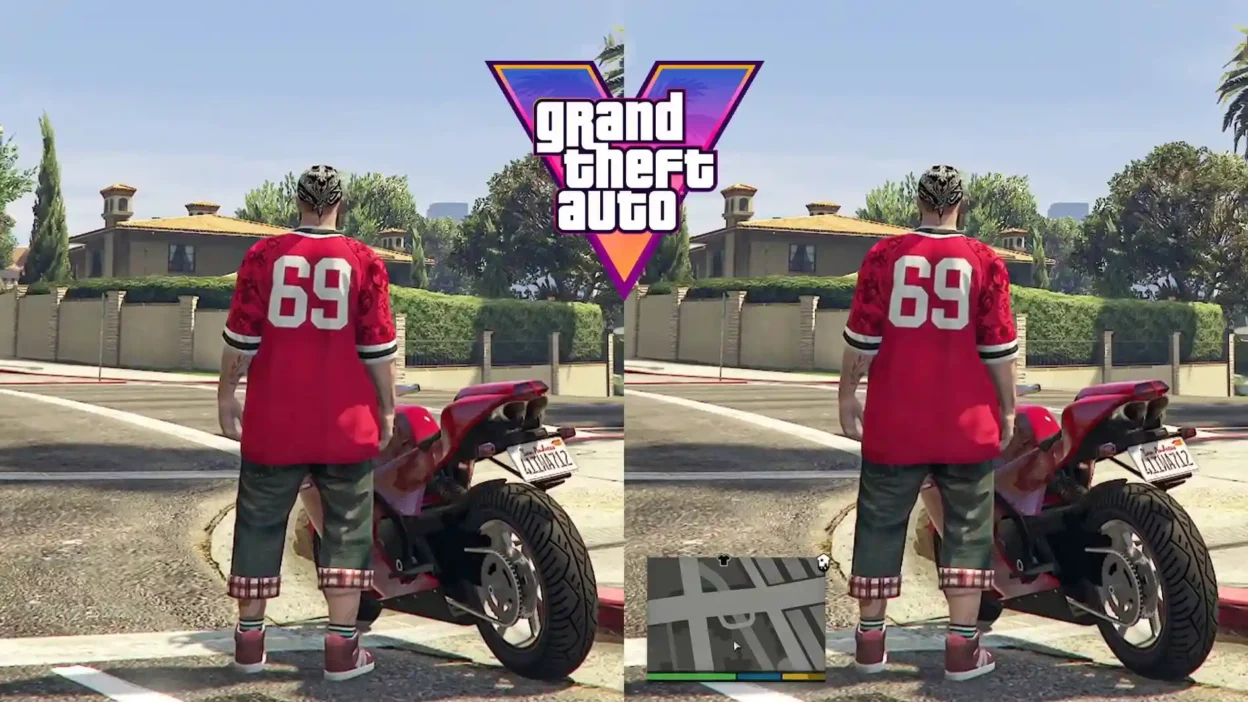
Wanna make GTA 5 feel more like GTA 6? RadarVI Visibility hides the minimap during normal free roam for a cleaner, more immersive screen.
The radar automatically pops back up when you need it, like when driving, getting into trouble, or starting a mission. It works on both GTA V Legacy and Enhanced on PC.
Features
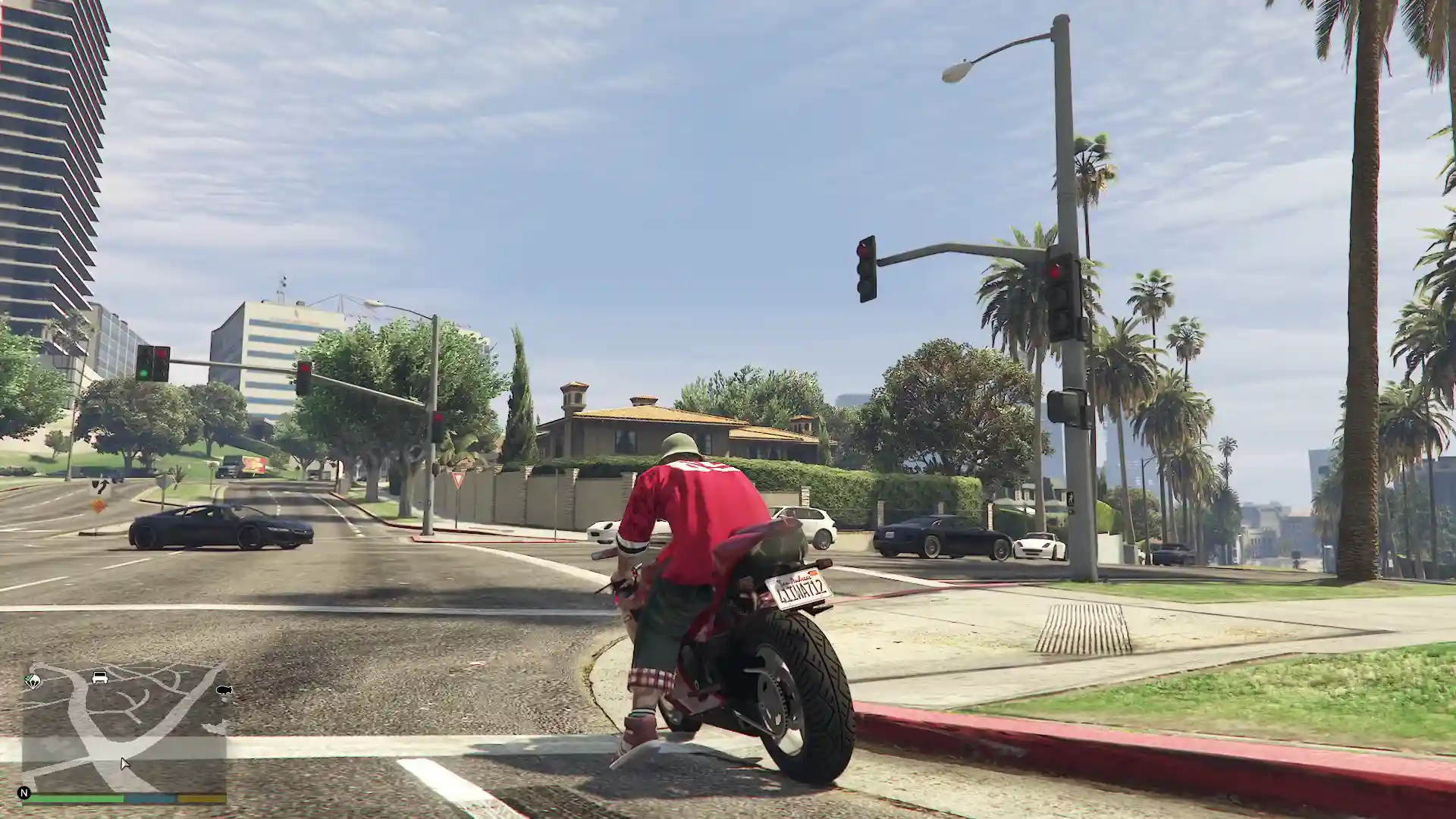
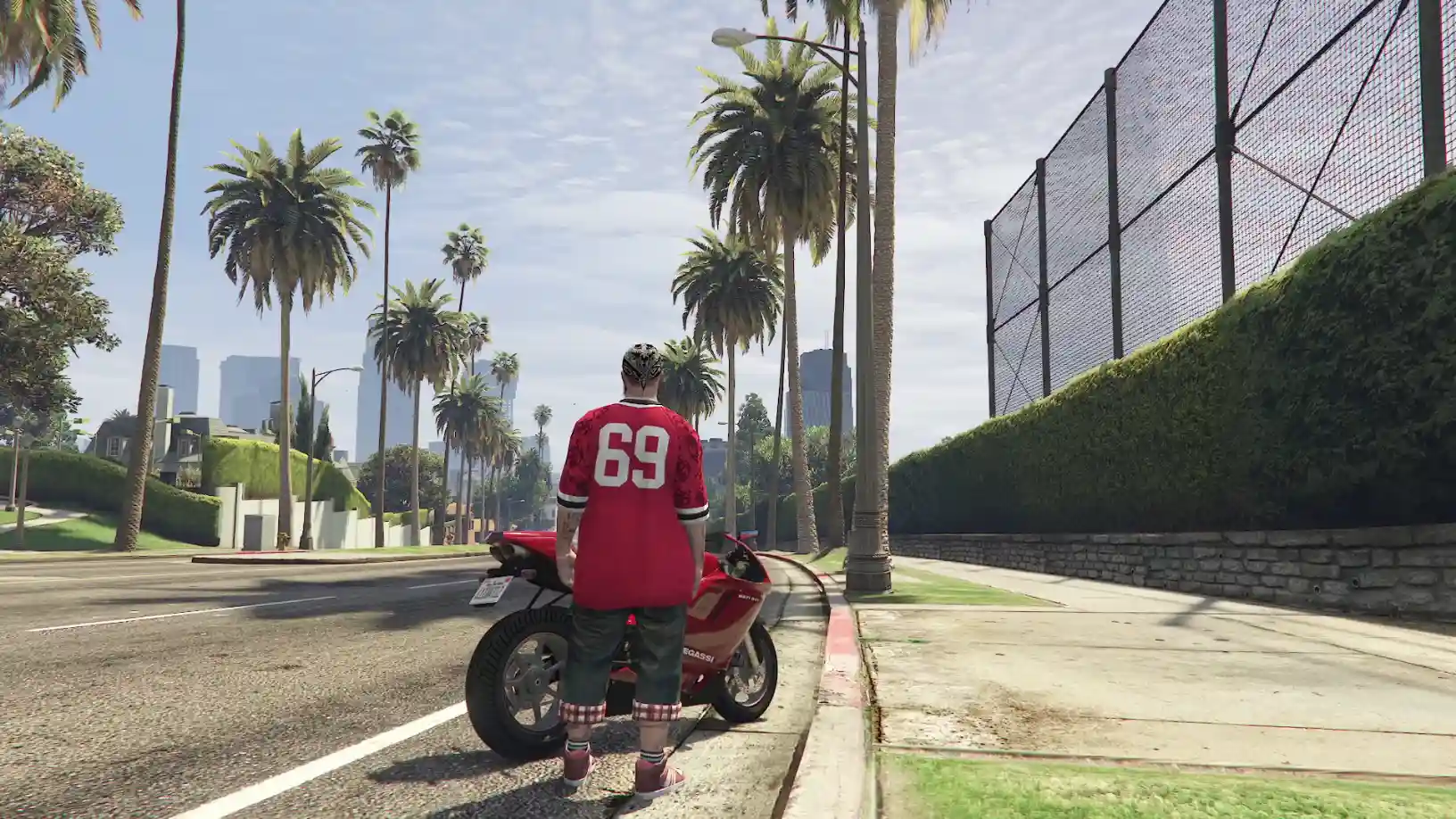
Hidden Minimap in Free Roam: Keeps the radar off-screen during normal exploration.
Quick Radar Toggle: Press X on your keyboard to show the minimap temporarily.
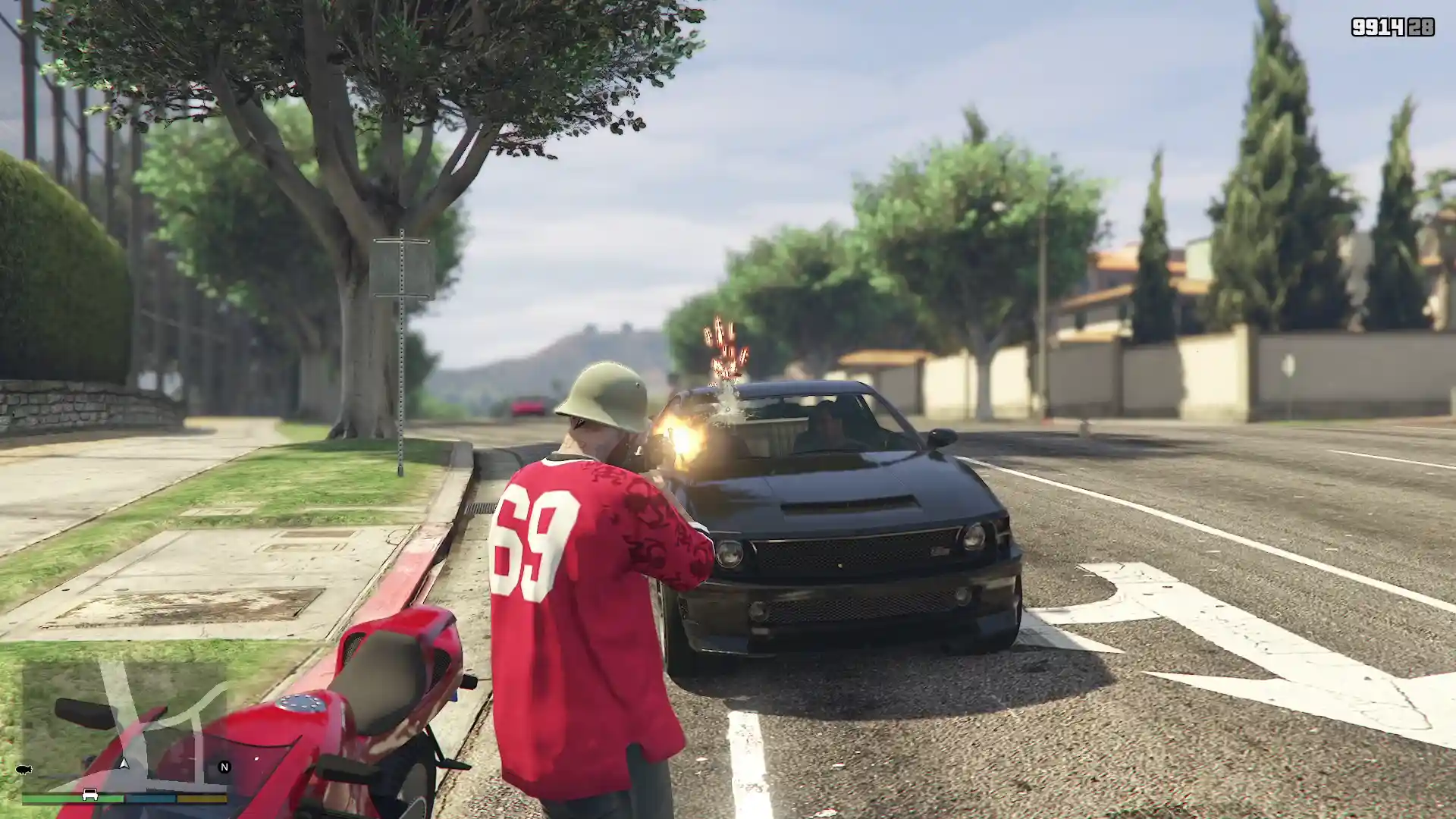
Automatic Visibility: The radar appears when you enter a vehicle, get a wanted level, equip a weapon, or start a mission or random event.
Situational Alerts: The minimap can reappear when sprinting, taking damage, falling, parachuting, or going underwater.
GTA VI-Inspired Immersion: Inspired by the Grand Theft Auto VI Extended Look gameplay trailer.
HUD Mod Compatibility: Version 1.2 adds compatibility with GTA VI Styled Minimap & HUD.
Requirements & Installation
Requirements:
Script Hook V:https://www.dev-c.com/gtav/scripthookv/
Script Hook V .NET Enhanced (SHVDNE): https://www.gta5-mods.com/tools/script-hook-v-net-enhanced
Optional:
GTA VI Styled Minimap & HUD: https://www.gta5-mods.com/scripts/gta-vi-styled-minimap-legacy/
Installation:
Download RadarVI Visibility.
Copy the mod files into your GTA V
scriptsfolder.Make sure Script Hook V and Script Hook V .NET Enhanced are installed.
Launch GTA 5 and explore Los Santos with a cleaner, less cluttered screen.
Compatibility Note: Supports GTA V Legacy and Enhanced on PC. Version 1.2 also disables the visibility behavior while the game is paused.
Final Thoughts
RadarVI Visibility is a dope little immersion mod for players who want a more cinematic GTA 5 experience. Keeping the minimap hidden during free roam makes exploring feel more natural, while automatic radar visibility helps you stay on top of missions, combat, and navigation when it matters.
Developer: gtawood
Images by gtawood
https://www.youtube.com/watch?v=7fHBdZuMjyQ
This content has no age restrictions.
Share a YouTube video related to this content.
No videos have been added yet.
If you found this useful, you can support the creator.
This creator is not accepting donations.