

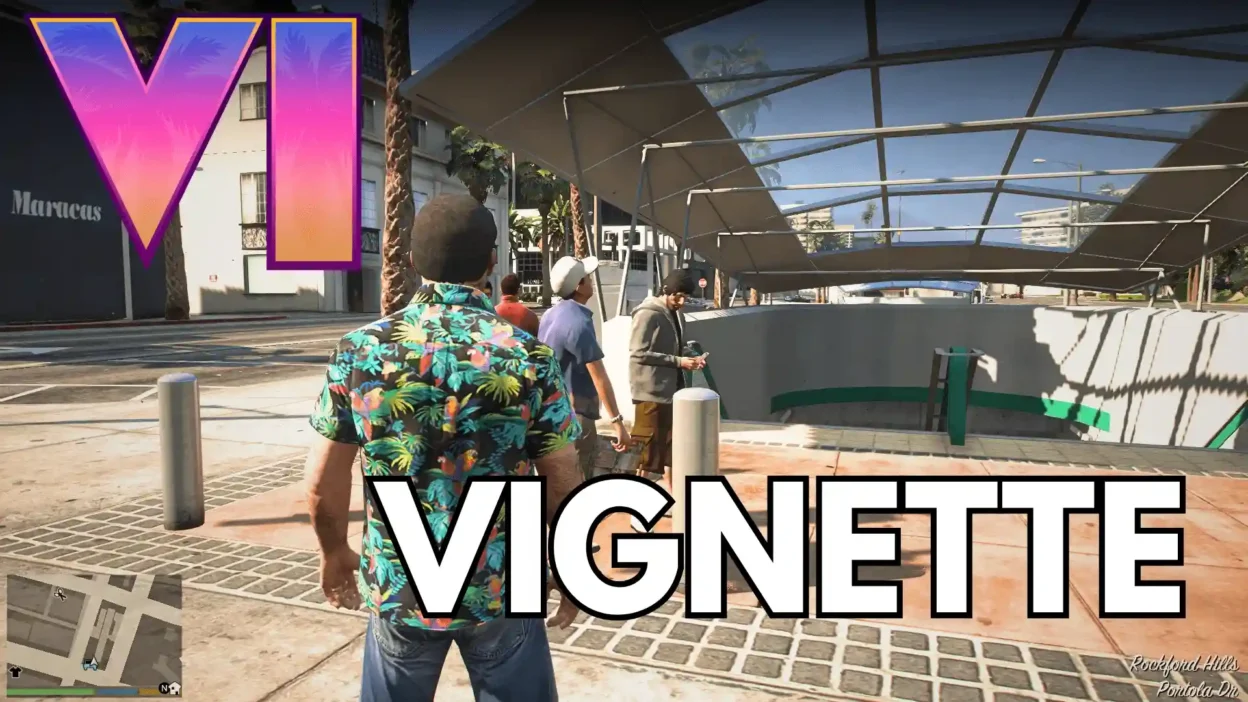
Looking to give GTA 5 that next-gen GTA VI graphics vibe? GTA VI Inspired Screen Vignette adds a subtle screen vignette effect inspired by Rockstar’s visual style in the GTA VI Extended Look trailer.
This little graphics tweak aims to bring GTA V closer to the RAGE 8 and 9 look seen in RDR2 and GTA VI.
Features
GTA VI-Inspired Vignette: Adds a screen shading effect inspired by GTA VI’s graphics style.
Enhanced Visual Atmosphere: Gives GTA V a more cinematic, modern look.
Graphics Mod Compatibility: May work with some graphics mods; compatibility with others may require manual XML editing.
Medium Preset Support: The included configuration lines are specifically for the Medium setting.
Installation:
Locate the included timecycle XML file.
Place it in the following GTA V directory:
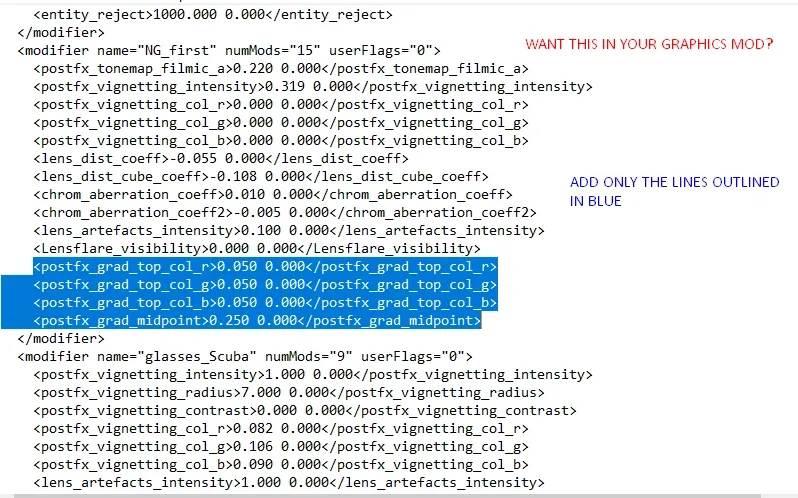
update/update.rpf/common/data/timecycle/If you’re adding the effect to your own graphics mod, edit
timecycle_mods_1.xmland add the provided vignette settings under theng_firstandnextgenlines.Make sure you’re using the correct settings for the Medium preset.
Compatibility Note: This is a beta release, so results may vary. Some graphics mods may conflict with the effect. If you know how to edit XML files, you may be able to integrate it with other setups.
Final Thoughts
GTA VI Inspired Screen Vignette is a simple graphics tweak for players chasing that GTA 6 visual atmosphere in GTA 5. It’s still a beta, but it could be a nice addition to your graphics setup if you want a more cinematic look without a full graphics overhaul.
Developer: itsyaboi0008
https://www.youtube.com/watch?v=gKs_IkTMVws&t=2s
This content has no age restrictions.
Share a YouTube video related to this content.
No videos have been added yet.
If you found this useful, you can support the creator.
This creator is not accepting donations.