


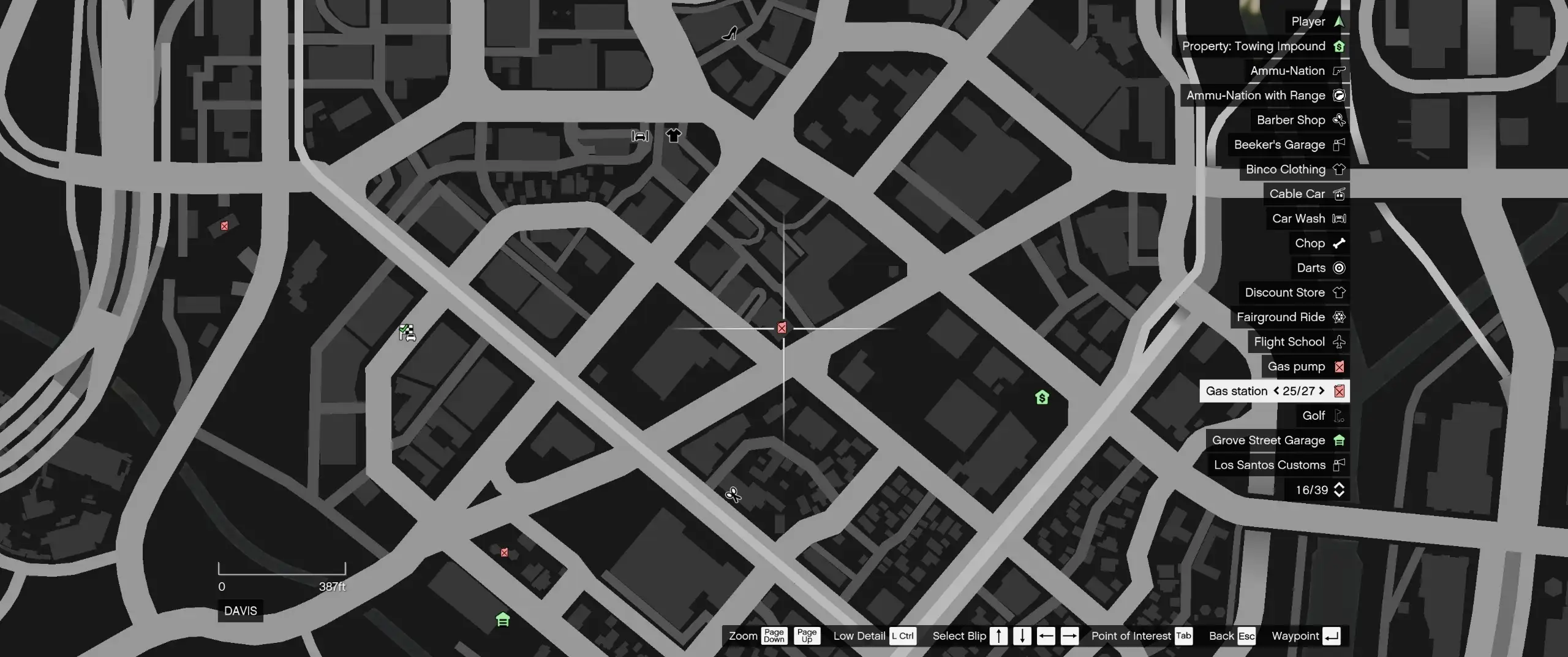
Want a proper fuel system in GTA 5 instead of driving forever without worrying about your tank? FlareFuel brings realistic gas stations, working pumps, fuel nozzles, changing gas prices, and card or cash payments to Story Mode.
You can even buy jerry cans or place your own working fuel pumps wherever you want. It’s a standalone system that makes every road trip around Los Santos feel more immersive.
Features
Realistic Fuel Consumption: Vehicles burn fuel based on RPM, vehicle class, and fuel type. An empty tank stalls the engine, and diesel trucks require diesel.
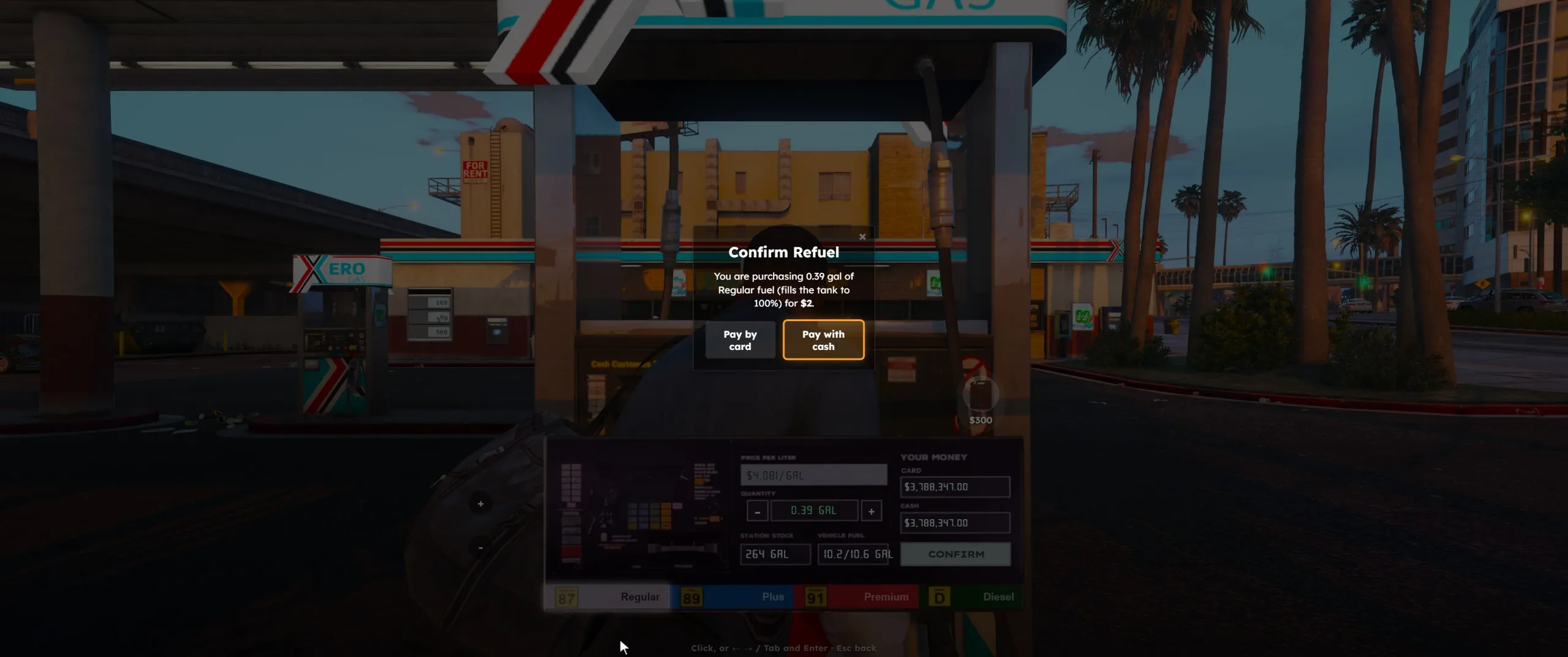
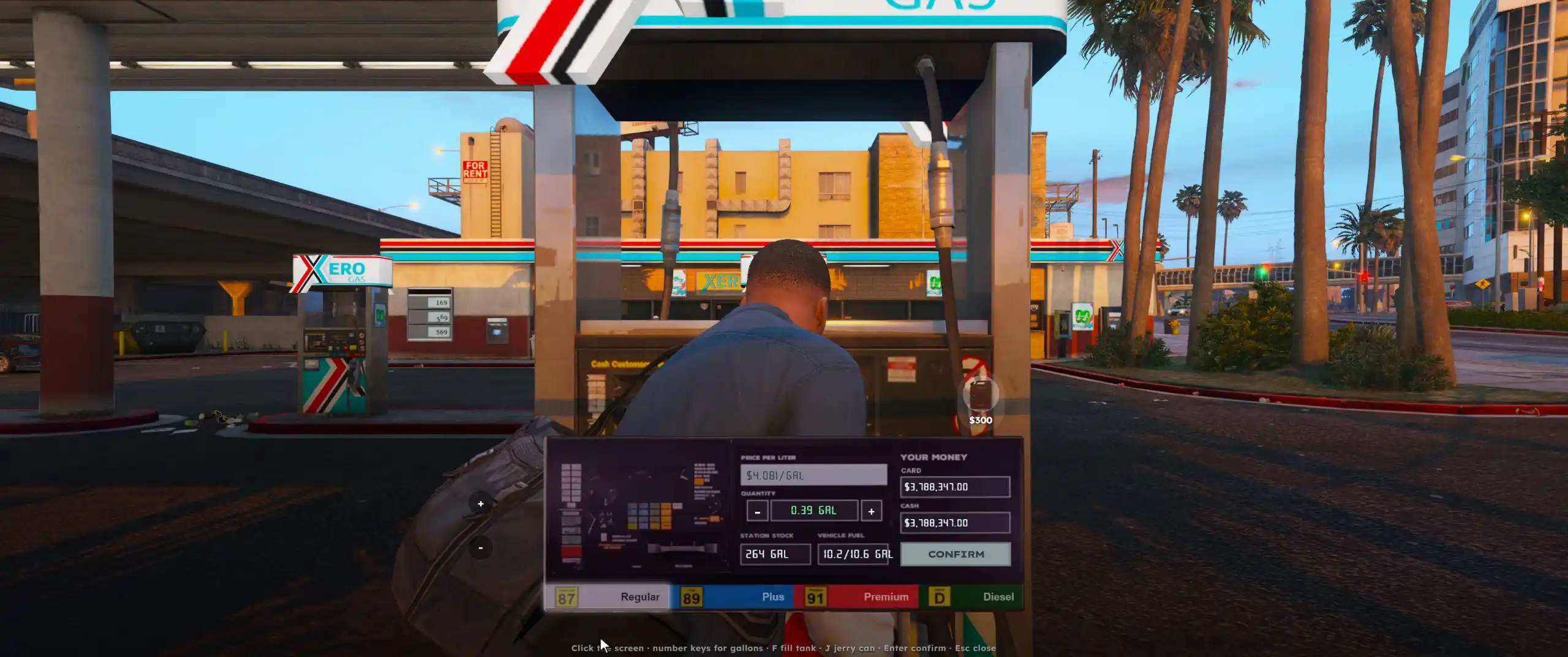
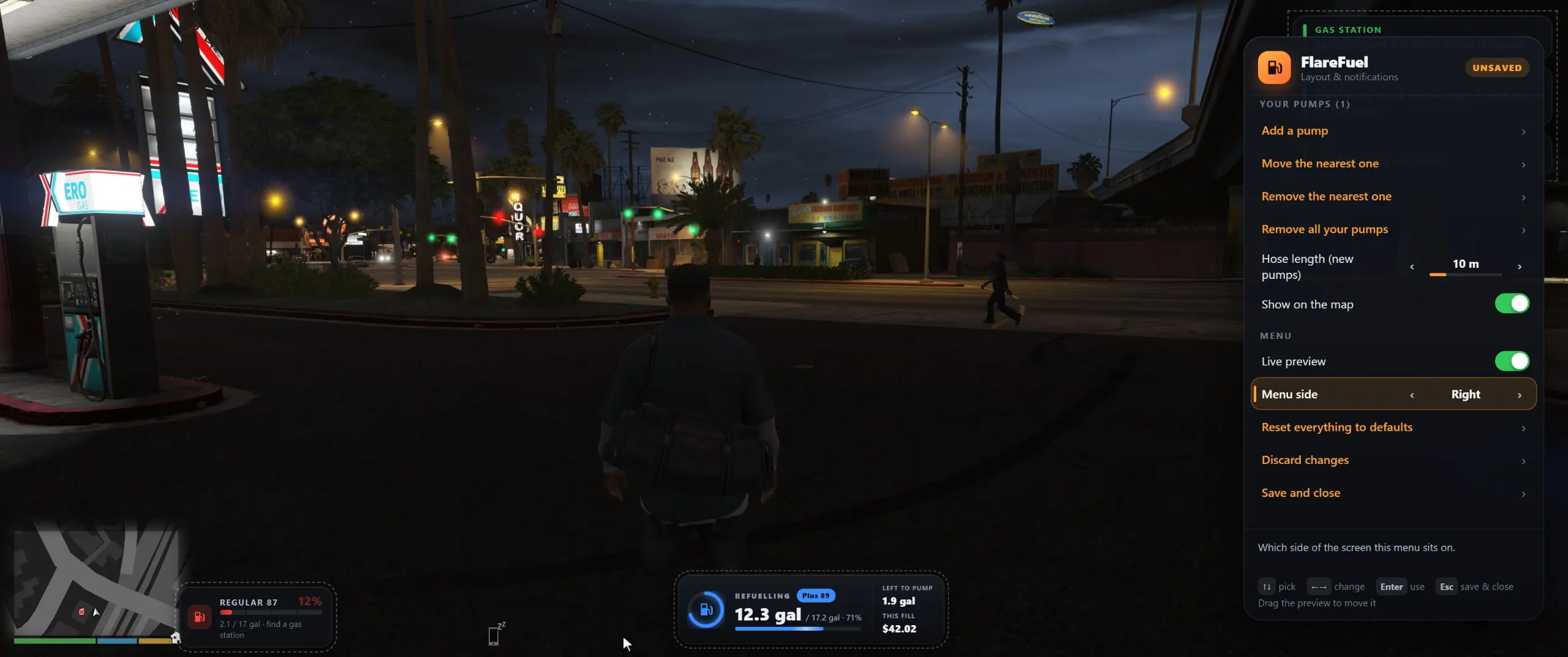
Working Gas Pumps: Press E at a gas station to open the pump interface, showing fuel type, price, station stock, tank level, and payment options.
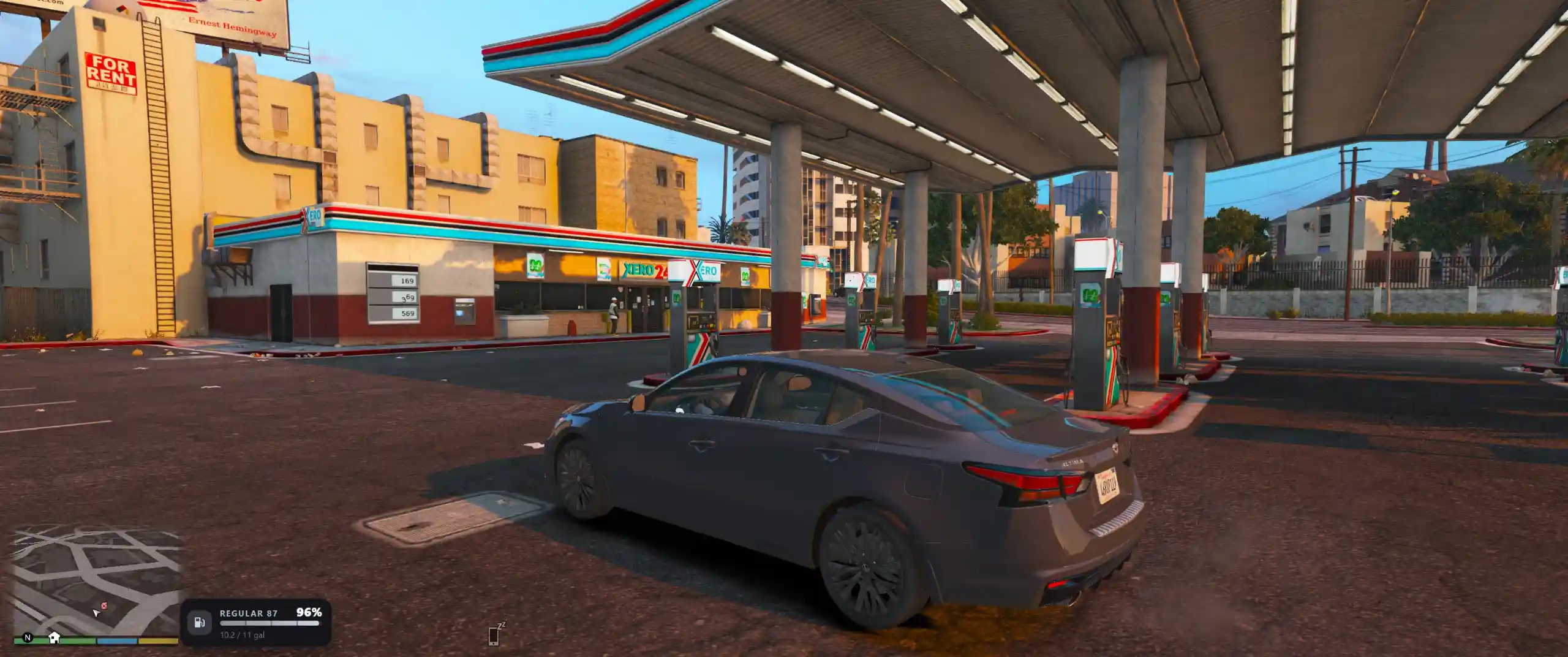
Interactive Nozzle & Hose: Carry the nozzle to your vehicle’s fuel cap and fill the tank. Return unused fuel to the pump to get your money back.
Exact Fuel Amounts: Pay for exactly the amount needed to fill your tank, right up to 100%.
Dynamic Gas Prices: Prices can follow US or Canadian averages, or use custom fixed prices. They change every in-game day, with events like refinery fires, hurricanes, and crude oil crashes affecting the market.
Weazel News Reports: Major fuel price changes can appear in Weazel News.
Card or Cash Payments: Pay using your character’s money, with an optional card fee.
Jerry Cans: Purchase portable fuel cans at pumps and refuel vehicles anywhere.
Custom Fuel Pumps: Place working pumps anywhere, including garages, farms, and helipads. A live transparent preview helps position them, and you can move or remove them later.
FlareFuel Customisation Menu: Press F7 to move and resize the fuel gauge, payment card, pump screen, and notifications. Drag interface elements with your mouse.
Full Controller Support: Navigate every screen, choose payment methods, and place pumps using a controller.
Requirements & Installation
Requirements:
GTA V PC — Story Mode (Legacy or Enhanced).
ScriptHookV.
ScriptHookV .NET Enhanced: https://www.gta5-mods.com/tools/script-hook-v-net-enhanced
Microsoft Edge WebView2 Runtime (already included on most Windows 10 and 11 PCs).
Screen Type set to Windowed Borderless, since the pump interface uses an overlay.
Installation:
Open your GTA V installation folder.
Navigate to the
scriptsfolder.Copy
FlareFuel.dllintoscripts.Copy the entire
FlareFuelfolder, including itsWebView2folder, intoscripts.Launch GTA V. The
FlareFuel.iniconfiguration file will be created automatically on first startup.For the complete guide, controls, and settings, open
DocsReadMe.htmlinside the downloaded archive.
Controls
Using Gas Pumps
E: Use a gas pump.
Arrow Keys / D-pad: Select fuel type and amount.
F / X: Fill the tank.
J / Y: Buy a jerry can.
Enter / A: Confirm.
Payment
Click to choose card or cash, or use Left / Right followed by Enter / A.
Menu
F7: Open the FlareFuel menu. This shortcut can be changed in the INI file.
Placing Custom Pumps
Q / E or LB / RB: Rotate the pump.
R / F or D-pad Up / Down: Adjust height.
Left / Right: Change pump model.
Enter / A: Place the pump.
Esc / B: Cancel placement.
Compatibility Note
If you already use Street Life Remade, you don’t need to install FlareFuel separately because the fuel system is built into that mod. If StreetLifeRemade.dll is detected, FlareFuel automatically stays disabled to avoid conflicts.
Final Thoughts
FlareFuel takes vehicle immersion to another level by making fuel stops an actual part of GTA 5 gameplay. From handling the nozzle yourself to watching gas prices change and setting up your own pumps, there’s plenty of detail here. If you enjoy realistic driving and roleplay, this is a solid upgrade for Los Santos.
Download Mod: https://www.gta5-mods.com/scripts/flarefuel
Support & Bug Reports: https://discord.com/invite/pFwu8Gxw6F
For bug reports, include scriptsFlareFuelFlareFuel.log to help the creator investigate the issue.
Developer: FlareXll / FlareForge
Images: FlareXll
This content has no age restrictions.
Share a YouTube video related to this content.
No videos have been added yet.
If you found this useful, you can support the creator.
This creator is not accepting donations.