

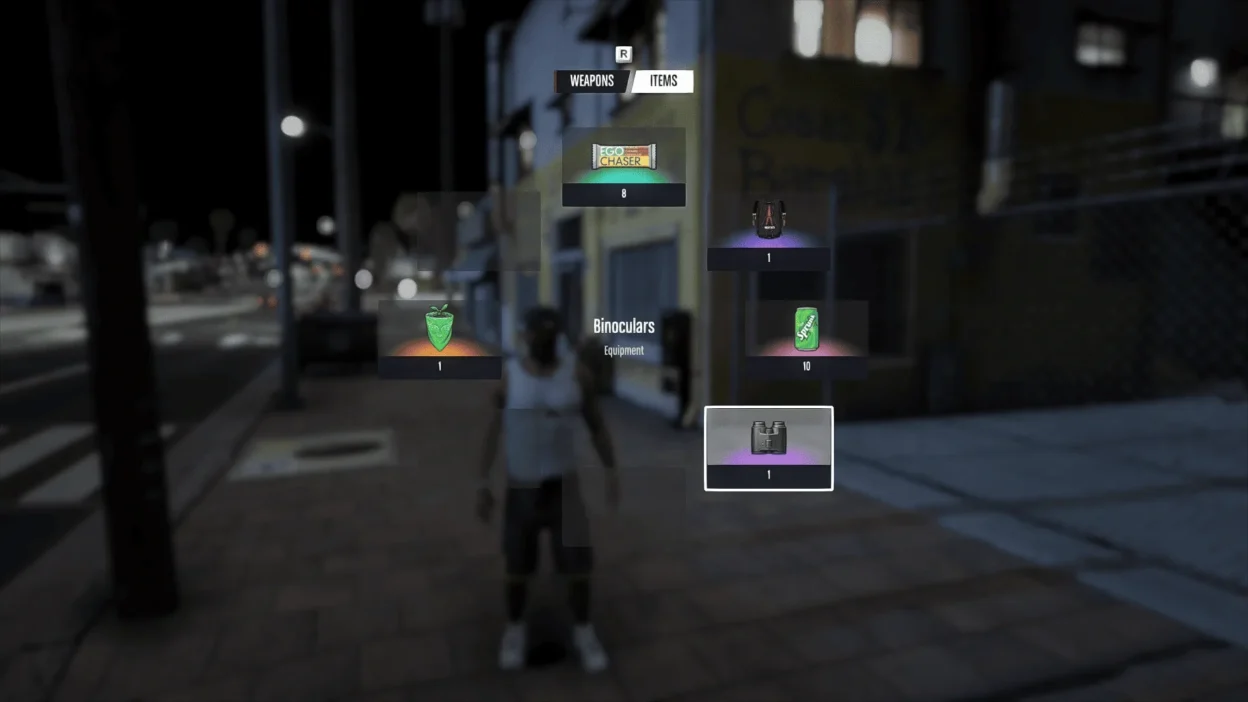
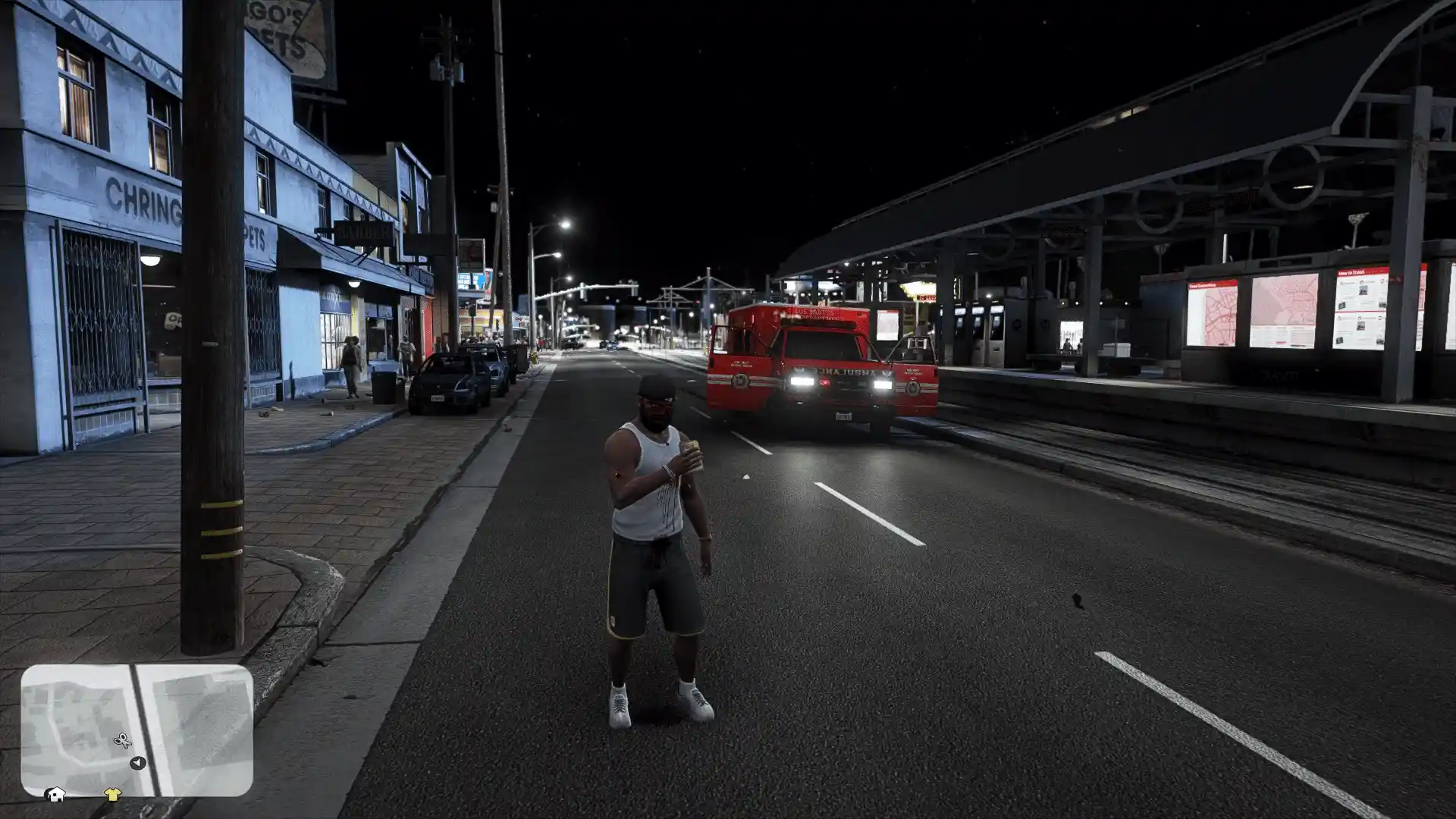
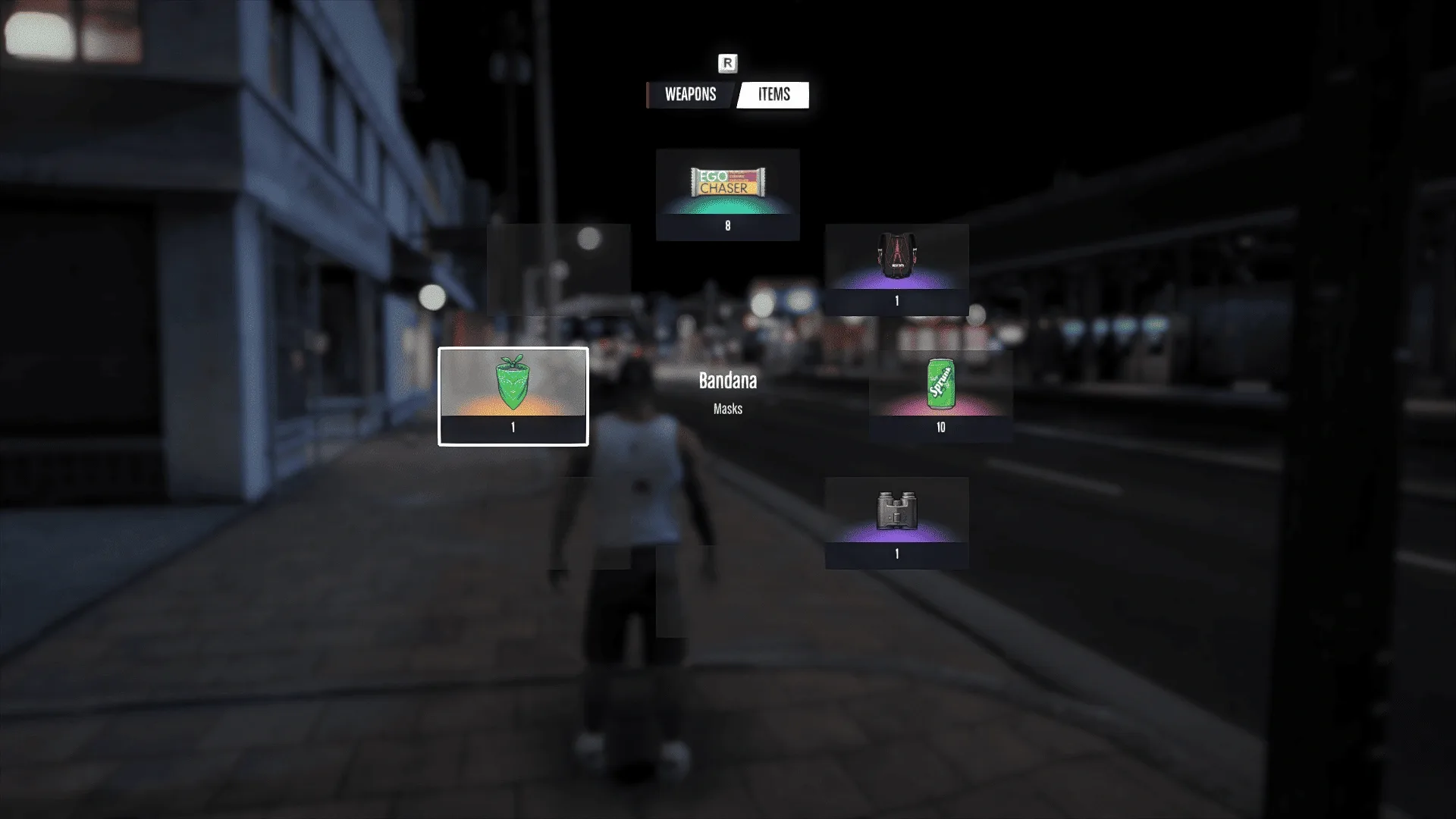
Wanna give GTA 5 that fresh GTA 6 weapon wheel look? VI Weapon Wheel v2.0 has been completely reworked with a redesigned HUD, new icons, smoother animations, and a fully functional item tab.
Equip masks, drink Sprunk, eat EgoChasers, or use binoculars straight from the wheel. With new UI sounds, slow motion, and dynamic blur, switching weapons feels way more cinematic in Los Santos.
Features
Redesigned Weapon Wheel: Enjoy an upgraded GTA VI-inspired interface with improved visuals.
Functional Item Tab: Equip masks, drink Sprunk, eat EgoChasers, and use binoculars.
New Icons & Sounds: Get updated weapon icons and immersive UI audio.
Weapon Animations: Every weapon features its own selection animation.
Cinematic Effects: Slow motion and dynamic blur kick in while the wheel is open.
Controller Support: Enjoy improved controls with gamepad compatibility.
Requirements & Installation
Grand Theft Auto V
ScriptHookVDotNet 3.7.0
A
scriptsfolder in your main GTA V directory
Installation:
Open the VI Weapon Wheel folder.
Move all included files into your GTA V
scriptsfolder.Make sure ScriptHookVDotNet 3.7.0 is installed.
Launch GTA 5 and enjoy the updated weapon wheel.
Note: If you don’t have a scripts folder, create one inside your main GTA V directory.
Final Thoughts
If you’re looking to upgrade GTA 5’s weapon wheel with some GTA 6 style, VI Weapon Wheel v2.0 is worth checking out. The functional item tab, smoother animations, and cinematic effects make the whole experience feel more polished. It’s a solid pick for anyone wanting a cleaner, more modern weapon selection system in Los Santos.
Developer: sej0bec
Images by sej0bec
https://www.youtube.com/watch?v=3rigbdTuH1w


This content has no age restrictions.
Share a YouTube video related to this content.
No videos have been added yet.
If you found this useful, you can support the creator.
This creator is not accepting donations.